
Gallery
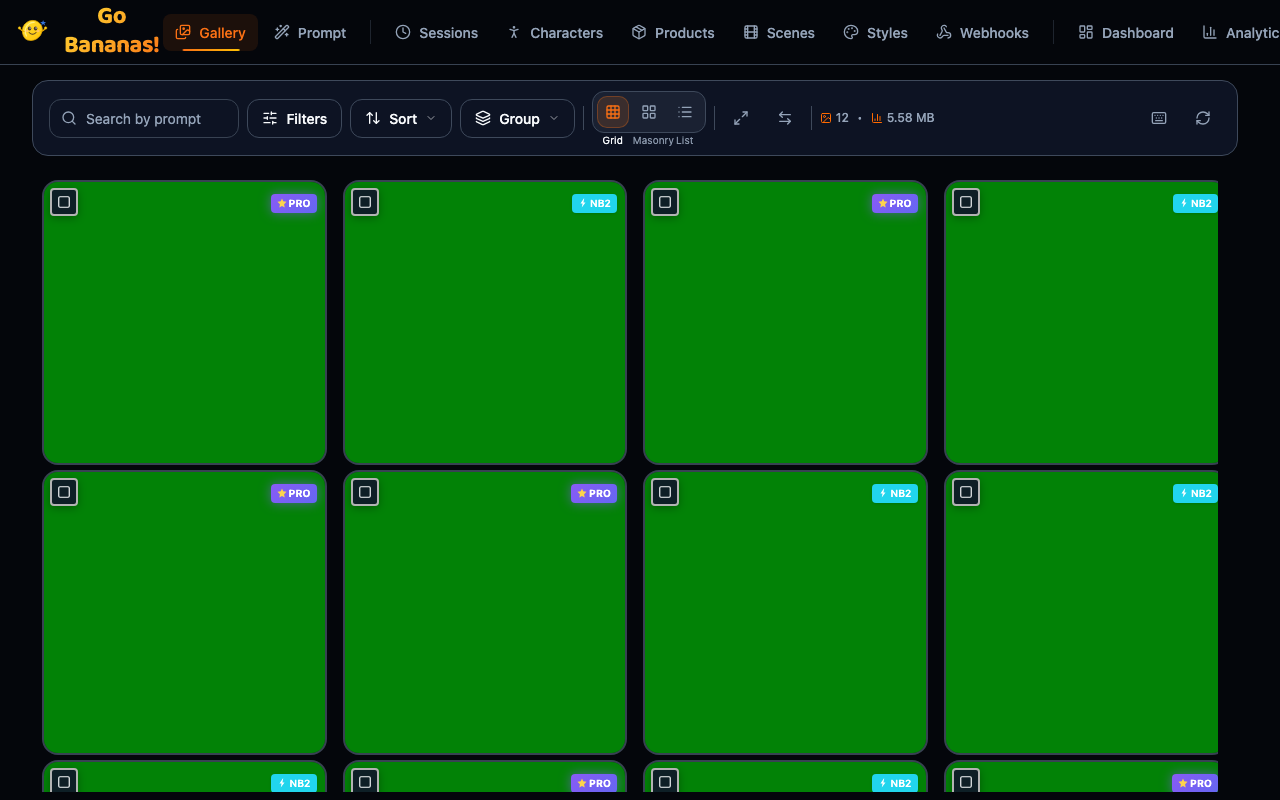
The Gallery provides a comprehensive view of all your generated images with powerful search, filtering, and bulk operations.
Overview
The Gallery is your central hub for:
- Browsing all generated and edited images
- Searching by prompt, date, or metadata
- Filtering by project, tags, operation type, aspect ratio, session
- Organizing images into projects and tags, one at a time or in bulk
- Bulk operations for download, delete, or edit
- Viewing image details and edit history
View Modes
Grid View (Default)
Standard grid layout with uniform thumbnails:
┌─────┬─────┬─────┬─────┐
│ 🖼️  │ 🖼️  │ 🖼️  │ 🖼️  │
├─────┼─────┼─────┼─────┤
│ 🖼️  │ 🖼️  │ 🖼️  │ 🖼️  │
├─────┼─────┼─────┼─────┤
│ 🖼️  │ 🖼️  │ 🖼️  │ 🖼️  │
└─────┴─────┴─────┴─────┘Controls:
- Thumbnail size slider
- Columns: Auto, 2, 3, 4, 5, 6
Masonry View
Pinterest-style layout preserving aspect ratios:
┌─────┬─────┬─────┬─────┐
│ 🖼️  │     │ 🖼️  │     │
│     │ 🖼️  ├─────┤ 🖼️  │
├─────┤     │ 🖼️  │     │
│ 🖼️  ├─────┤     ├─────┤
│     │ 🖼️  │     │ 🖼️  │
└─────┴─────┴─────┴─────┘Best for mixed aspect ratio collections.
List View
Detailed list with metadata columns:
┌──────────────────────────────────────────────────────┐
│ 🖼️ Sunset over mountains          1024x768  2.3 MB  │
│    Generated • Jan 15, 2024 • Session: abc123       │
├──────────────────────────────────────────────────────┤
│ 🖼️ Portrait with clouds           768x1024  1.8 MB  │
│    Edited • Jan 15, 2024 • Session: abc123          │
└──────────────────────────────────────────────────────┘Best for detailed information and sorting.
Search
Basic Search
Type in the search bar to find images by prompt:
┌────────────────────────────────────┐
│ 🔍 sunset mountains               │
└────────────────────────────────────┘Search Modes
| Mode | Behavior | Example |
|---|---|---|
| All Words | Match all terms | "sunset mountains" finds images with both |
| Any Word | Match any term | "sunset mountains" finds images with either |
| Exact Phrase | Match exact phrase | "sunset over mountains" finds exact match |
Advanced Search Syntax
# Search by prompt text
sunset mountains

# Search by session
session:abc123

# Search by date range
created:2024-01-15

# Combined search
sunset session:abc123Filters
Filter Panel
Click the filter icon to expand options:
┌─────────────────────────────────────┐
│ Filters                        [×]  │
├─────────────────────────────────────┤
│ Operation Type                      │
│ ○ All  ● Generate  ○ Edit          │
├─────────────────────────────────────┤
│ Aspect Ratio                        │
│ ☐ Square  ☐ Portrait  ☐ Landscape  │
│ ☐ 16:9    ☐ 9:16                   │
├─────────────────────────────────────┤
│ Date Range                          │
│ From: [Jan 1, 2024 ]               │
│ To:   [Jan 31, 2024]               │
├─────────────────────────────────────┤
│ Session                             │
│ [Select session...          ▼]     │
├─────────────────────────────────────┤
│ Style Preset                        │
│ [Any preset...              ▼]     │
├─────────────────────────────────────┤
│ Character                           │
│ [Any character...           ▼]     │
├─────────────────────────────────────┤
│ [Apply Filters]  [Clear All]       │
└─────────────────────────────────────┘Quick Filters
One-click filter buttons:
| Filter | Shows |
|---|---|
| Today | Images from today |
| This Week | Last 7 days |
| Generated | Only generations |
| Edited | Only edits |
| With Character | Character-based images |
| With Product | Product marketing images |
Saved Filter Presets
Save frequently used filter combinations:
┌─────────────────────────────────────┐
│ Saved Presets                  [+]  │
├─────────────────────────────────────┤
│ 📁 Marketing Images                 │
│ 📁 Character Scenes                 │
│ 📁 This Month's Work                │
└─────────────────────────────────────┘Sorting
Sort images by various criteria:
| Sort Option | Description |
|---|---|
| Newest First | Most recent first (default) |
| Oldest First | Chronological order |
| Largest First | By file size descending |
| Smallest First | By file size ascending |
| Most Edits | Images with most edit iterations |
Projects and Tags
Each image can belong to one project and carry up to 20 tags. A project groups work by what it is for, such as a campaign, a client or a repository. Tags describe what is in the picture.
How Images Get a Project
A new image gets its project from the first of these that applies:
- The
projectyou or your AI assistant pass to an image tool, such asgenerate_image. Passnoneto save an image without one. - For an edit, the project of the image being edited.
- The folder your connector runs in. This needs the local connector (the
gobananas-mcpSTDIO proxy, 1.4.0 or later), which sends the folder's name, so work from one repository lands in one project. Remote HTTP connections send no folder. See Connect. - Otherwise, no project.
Tags are only set on purpose: pass tags to an image tool, or add them in the gallery. An edit doesn't copy its source image's tags.
A project is created the first time its name is used. Names match loosely, so "Spring Launch", "spring-launch" and "spring_launch" are the same project.
Filtering by Project and Tag
- Project (next to the search box): All images, No project, or one project, each with its number of images.
- Tags: pick one or more. An image must have every tag you pick, up to 10. A tag that is no longer on any image isn't listed.
- Click a project chip on a tile, or a tag chip in list view or in the viewer, to filter by it.
The filters stay in the page address (?project=spring-launch&tags=hero,night), so you can bookmark a filtered gallery or share it with your team. A link made before a project was renamed or merged still opens it, under its current name. Changing a filter doesn't add a step to the browser's history; going Back or Forward to a gallery page brings back the filters it had. Sorting and the Filters panel keep them.
Changing One Image
Open an image and its details panel. Under Project and tags, owners and managers can:
- Change project: pick another project, type a name to create one, or choose "No project"
- Add tag: type a tag and press Enter, or put commas between several
- remove a tag with its × button
A change shows at once, and goes back if it can't be saved.
Managing Projects
Owners and managers open Project → Manage projects… to:
- Rename a project. Its old name still works, in links and for its folder. Renaming it to a name another project has offers to merge the two.
- Merge a project into another: its images move, and it is removed.
- Delete a project: its images stay in the gallery with no project. The project comes back if images are generated from its folder again.
Viewers can filter by projects and tags but can't change them.
Selection
Single Selection
Click an image to select it:
┌─────────────────┐
│ ✓ 🖼️           │  ← Selected (blue border)
│                 │
└─────────────────┘Multi-Selection
Keyboard shortcuts:
Ctrl/Cmd + Click: Add to selectionShift + Click: Select rangeCtrl/Cmd + A: Select all visible
Selection toolbar:
┌──────────────────────────────────────────────────────────────────────┐
│ [×] 5 selected  Select all 250 matching  [Download] [Edit] [Organize] │
└──────────────────────────────────────────────────────────────────────┘Select All Matching
While any filter narrows the list (a search, a project, tags, dates or the Filters panel's options; the sort order alone doesn't count), owners and managers see Select all N matching in the selection toolbar. It makes the selection every image the filters match, up to 1,000, including images you haven't scrolled to yet; anything selected before is replaced. When more than 1,000 match, it selects the first 1,000 and says so. Selected images that aren't loaded count toward the selection without being shown.
Bulk Operations
Bulk Download
Download multiple images as ZIP:
- Select images
- Click Download
- Choose format (Original / Optimized)
- Download starts automatically
┌─────────────────────────────────────┐
│ Download Options                    │
├─────────────────────────────────────┤
│ Format:                             │
│ ● Original quality                  │
│ ○ Optimized (smaller files)         │
├─────────────────────────────────────┤
│ Include:                            │
│ ☑ Metadata JSON                     │
│ ☐ Thumbnails                        │
├─────────────────────────────────────┤
│ [Download 5 images]                 │
└─────────────────────────────────────┘Organize
Owners and managers select images, then click Organize:
- Move to project…: pick a project, type a name to create one, or choose "No project".
- Tags…: add tags to every selected image (up to 10 at a time), or take tags off them. The selected images' tags are listed with how many have each, such as "on 5 of 12".
Large selections go in batches of 100, one after another, with progress such as "Moving 200 of 250…". If a batch fails, the dialog keeps your choice and offers Retry remaining; images already done stay done. Stop ends the run after the current batch. The selection stays afterwards, so you can, for example, move images and then tag them.
Bulk Delete
Delete multiple images, up to 20 at a time:
- Select images
- Click Delete
- Confirm deletion
WARNING
Deletion is permanent. Images cannot be recovered.
Bulk Edit
Apply edits to multiple images:
- Select images (2-20), all of them loaded in the gallery: Bulk Edit starts from each image's details, so it doesn't work on images selected with Select all N matching that you haven't scrolled to
- Click Edit
- Enter edit prompt
- Edits applied sequentially
Lightbox
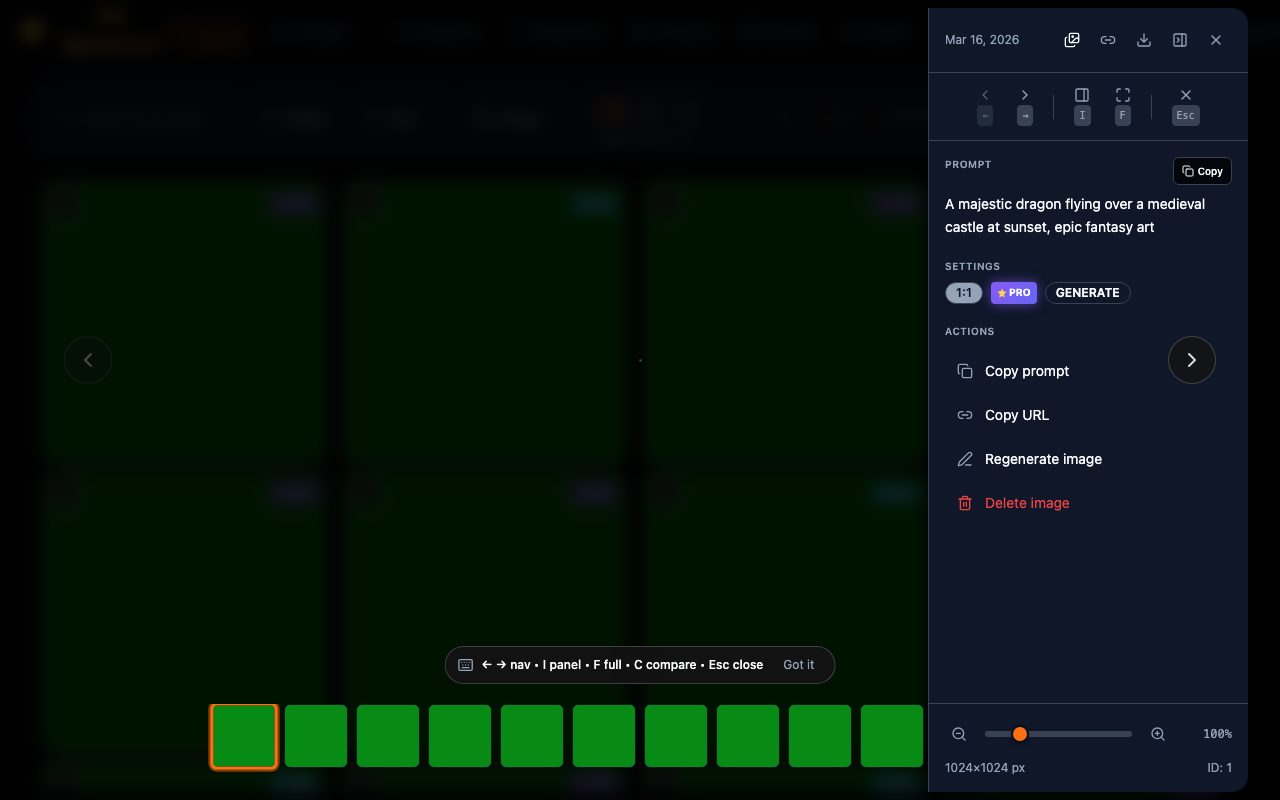
Click an image to open the lightbox viewer:
┌────────────────────────────────────────────────────┐
│                                            [×]     │
│  [←]          🖼️ Full Image              [→]     │
│                                                    │
│                                                    │
├────────────────────────────────────────────────────┤
│ Sunset over mountains with dramatic clouds         │
│ 1024 × 768 • 2.3 MB • Generated                   │
│                                                    │
│ [Download] [Edit] [Copy URL] [Delete]             │
└────────────────────────────────────────────────────┘Lightbox Navigation
| Key | Action |
|---|---|
← / → | Previous / Next image |
Esc | Close lightbox |
D | Download current image |
I | Toggle info panel |
Info Panel
View detailed metadata:
┌─────────────────────────────────────┐
│ Image Details                       │
├─────────────────────────────────────┤
│ ID: 342                             │
│ Created: Jan 15, 2024 14:32         │
│ Session: sess_abc123                │
│ Operation: generate                 │
│                                     │
│ Dimensions: 1024 × 768              │
│ Size: 2.3 MB                        │
│ Format: WebP                        │
│ Aspect Ratio: landscape             │
│                                     │
│ Model: gemini-nano-banana-2.1       │
│ SynthID: Yes                        │
├─────────────────────────────────────┤
│ Prompt:                             │
│ "sunset over mountains with         │
│ dramatic clouds, golden hour"       │
├─────────────────────────────────────┤
│ Edit History:                       │
│ • Original (this image)             │
│ └─ Added birds (#343)               │
│    └─ Made sky more vibrant (#344)  │
└─────────────────────────────────────┘Actions
Per-Image Actions
Right-click or use action menu:
| Action | Description |
|---|---|
| Download | Download original image |
| Edit | Open on the Prompt page |
| Copy URL | Copy public URL |
| View History | See edit lineage |
| Delete | Remove image |
Context Menu
┌─────────────────────────────┐
│ Download                    │
│ Edit                        │
│ ─────────────────────────── │
│ Copy Image URL              │
│ Copy Thumbnail URL          │
│ Copy Prompt                 │
│ ─────────────────────────── │
│ View Edit History           │
│ View Session                │
│ ─────────────────────────── │
│ Delete                      │
└─────────────────────────────┘Edit History
View the lineage of edited images:
┌─────────────────────────────────────────────────────┐
│ Edit History for #344                               │
├─────────────────────────────────────────────────────┤
│                                                     │
│  🖼️ #342 (Original)                                │
│   │  "sunset over mountains"                        │
│   │                                                 │
│   └─► 🖼️ #343                                      │
│       │  "add birds flying"                         │
│       │                                             │
│       └─► 🖼️ #344 (Current)                        │
│            "make sky more vibrant"                  │
│                                                     │
│ Total edits: 2                                      │
│ [View #342] [View #343] [View #344]                │
└─────────────────────────────────────────────────────┘Keyboard Shortcuts
| Shortcut | Action |
|---|---|
Ctrl/Cmd + A | Select all visible |
Ctrl/Cmd + D | Download selected |
Ctrl/Cmd + F | Focus search |
Ctrl/Cmd + K | Toggle filters |
Delete | Delete selected |
Esc | Clear selection / Close lightbox |
Ctrl/Cmd + R | Refresh the gallery |
? | Show shortcuts help |
While you type in a text box, Ctrl/Cmd + A, Ctrl/Cmd + D and Delete act on the text, not on the gallery.
Pagination
Navigate large collections:
┌──────────────────────────────────────────────────────┐
│ Showing 1-50 of 1,523 images                         │
│                                                      │
│ [◄ Prev]  Page 1 of 31  [Next ►]                    │
│                                                      │
│ Per page: [25 ▼] [50] [100]                         │
└──────────────────────────────────────────────────────┘Or use infinite scroll (configurable in settings).
Performance Tips
For Large Collections
- Use filters to narrow results before browsing
- Use list view for faster loading
- Reduce thumbnail size in settings
- Enable pagination instead of infinite scroll
Search Optimization
- Search is server-side for accuracy
- Use specific terms for faster results
- Combine filters with search for best performance
Responsive Design
The gallery adapts to screen size:
Desktop: Full grid with sidebar filters Tablet: Collapsible filters, smaller grid Mobile: Single column, bottom sheet filters
API Data Source
Gallery data comes from:
GET /api/images?search=query&project=spring-launch&tags=hero,night&limit=50&offset=0
GET /api/images/:id (for lightbox details)
GET /api/images/ids?search=query (Select all matching: the same filters, up to 1,000 ids)
GET /api/projects and GET /api/tags (the project and tag lists)
POST /api/images/organize (Organize: up to 100 images a request)